
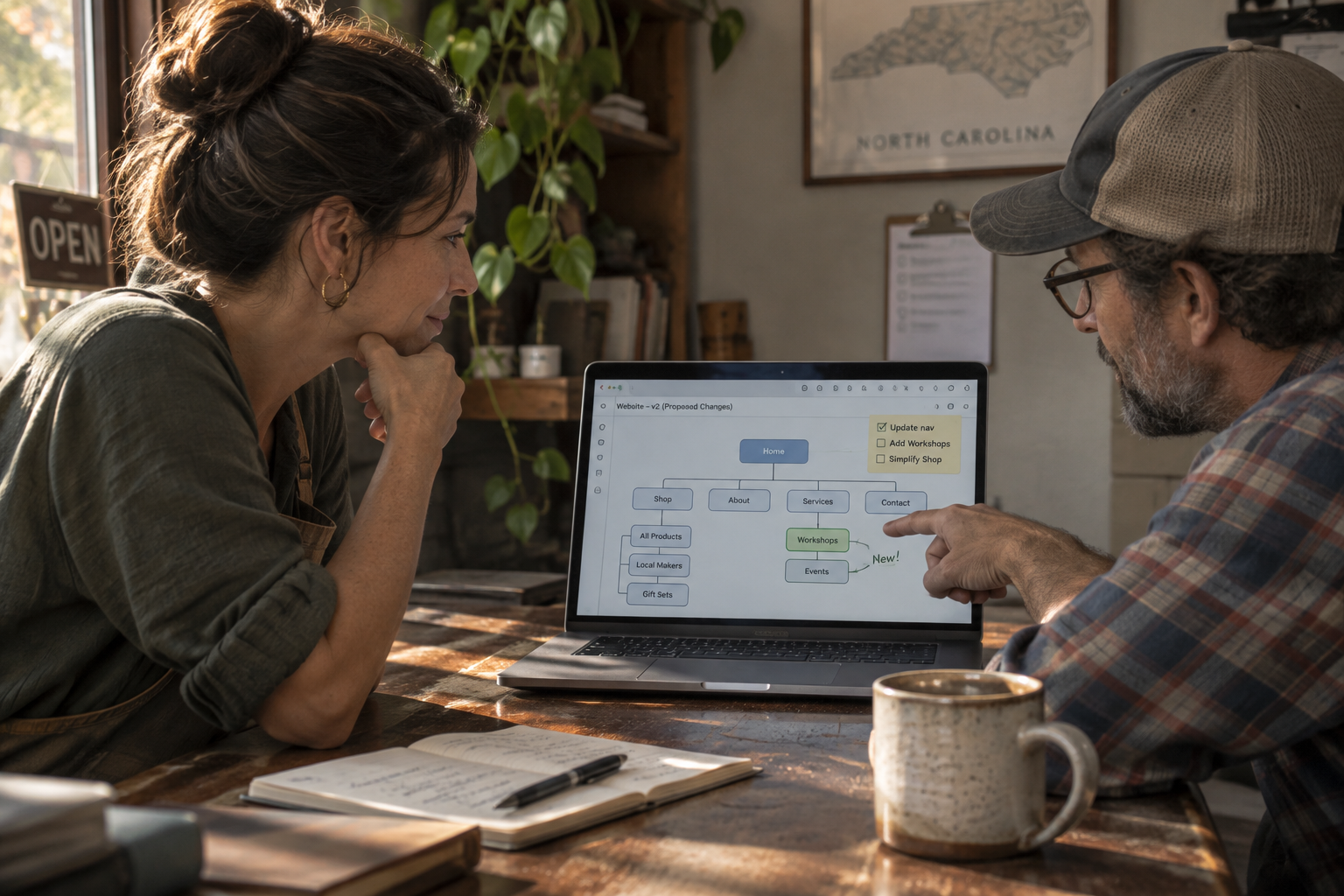
If you’re staring at your website and wondering whether to fix a few things or start over, you’re asking exactly the right question. The honest answer: a full website redesign in NC makes sense in some situations, and targeted updates are smarter in others. This guide walks through both so you can figure out which one fits your situation before you call anyone.
How to Tell If You Really Need a Website Redesign in NC
A redesign means rebuilding the site from scratch, or close to it: new structure, new design, often a new platform or theme. That’s a bigger investment of time and money, so it should clear a higher bar.
Here are the signs that a full rebuild is worth it:
- Your site is built on outdated technology. If a developer tells you the platform you’re running (the CMS, or content management system, the software that powers your pages) is no longer supported or regularly updated, patching it is a losing battle. Outdated systems are a common entry point for the kind of malware that takes a site offline.
- It doesn’t work on phones. More than half of all web traffic now comes from mobile devices, according to data tracked by the HTTP Archive Web Almanac. If your site is hard to use on a phone, that’s a structural problem, not a cosmetic one. Our post on how to make your website mobile friendly walks through what that actually involves.
- You’re rebranding. New name, new logo, new colors, a new focus area: if the brand has changed, the site needs to reflect it. Trying to patch a new identity onto an old structure usually looks like exactly that.
- The site doesn’t match what your business does anymore. A dental office that added a second location, a law firm that shifted its practice areas, a contractor who now handles commercial work: when the site’s content is structurally mismatched with what you actually offer, the fix is usually a rebuild.
- Visitors can’t find what they need. If people land on your site and can’t quickly find your phone number, your services, or how to book an appointment, that’s a navigation and structure problem. No amount of copy editing solves it.
- The design looks noticeably dated. Design trends shift slowly, but after six or seven years, a site can start to signal “this business hasn’t thought about its website in a while.” That impression affects whether a visitor trusts you.
A Real Example: When Structure Was the Problem
For Britt Dental Center, the work involved a full website design and hosting project. The goal was a site that made it easy for patients to find the right information and take the next step, not one that just looked better in a screenshot.
When Updates and Fixes Are the Right Call
Not every problem requires a new site. A targeted update is usually the right move when the structure is sound and the issue is specific.
Consider updates instead of a redesign when:
- The platform is current and stable. If your site runs on a well-maintained version of WordPress (the most widely used CMS on the web, according to WordPress.org), the foundation is fine. Work with what you have.
- One or two pages are underperforming. A contact page that buries your phone number, or a services page that hasn’t been touched in four years, can be fixed without touching the rest of the site. See our notes on five annoying contact page mistakes for a quick starting point.
- Your content is out of date but the design still works. New photos, updated service descriptions, a refreshed About page: this is content work, not a rebuild.
- You need one new feature. A booking form, an event calendar for a church, a quote request form for a contractor: these can often be added to a working site without starting over.
- The site is basically new. If you had it built in the last two or three years and it was done correctly, you likely don’t need to rebuild it. You need to maintain it and add to it.
The Question Worth Asking First
Before you decide anything, answer this: Is the site fixable, or is fixing it going to cost as much as replacing it? A developer who is honest with you will tell you which one you’re looking at after a short review. If the answer is “we’d have to rebuild half of it anyway,” that’s your answer.
What a Website Redesign in NC Actually Involves
Knowing what goes into a redesign helps you plan realistically. It’s not just making things look different.
- Discovery and planning. What does the business need the site to do? Who is the audience? What pages are required? This step shapes everything that follows.
- Design. Mockups of the new layout, colors, typography and visual direction. For most small businesses, this is where the brand decisions get made or confirmed.
- Development. Building the actual site: turning designs into working pages, adding forms and functionality, connecting it to your hosting. For WordPress sites, this is where themes, page templates and plugins (small software add-ons that add specific features) get put together.
- Content migration. Moving text, images and files from the old site to the new one. This takes more time than most people expect.
- Testing and launch. Checking the site on different devices and browsers, making sure forms submit correctly, confirming the SSL certificate (the security layer that shows “https” in the browser bar and protects data your visitors submit) is in place.
- Training and handoff. You should be able to update your own content after launch. A project that ends without that training isn’t finished.
For a fuller look at how a project runs from start to finish, the Work With Us page walks through each phase.
What Drives the Cost of a Redesign
Scope is the main cost driver, and scope varies a lot. A five-page service business site and a fifty-page membership organization are both “website redesigns,” but they’re very different projects.
Factors that add to the scope:
- Number of pages and unique page templates
- Custom functionality (booking systems, member portals, complex forms)
- Whether new photography or copywriting is needed
- Whether the old site’s content needs to be restructured, not just moved
- Integrations with other tools (scheduling software, email platforms, payment processors)
A general market range for a small business WordPress redesign can vary widely. The U.S. Small Business Administration notes that website costs depend on complexity and the provider you work with. The only way to get a real number for your specific project is a written quote after a conversation about what you actually need.
Signs You Can Skip the Redesign Entirely (For Now)
Sometimes the right answer is “not yet.” A redesign you don’t need is money you didn’t have to spend.
You can probably wait if:
- The site is less than three years old and was built properly
- Visitors can find your contact information and services without help
- The platform gets regular updates and you’re keeping up with them
- Your main complaint is “I’d like it to look a little fresher,” not “I can’t do anything with it”
In that case, a WordPress maintenance plan that keeps the platform current, backed up and monitored is probably what you need, not a full rebuild.
Frequently Asked Questions
How do I know if my website is hurting my business?
The clearest signals are: visitors can’t find your phone number or services on a phone, the site loads slowly enough that people leave before it finishes, or the content no longer reflects what your business actually does. If you’re regularly having to apologize for or explain your site to prospects, that’s a practical sign it’s working against you.
Can I just update my old website instead of rebuilding it?
Sometimes, yes. If the platform is current, the structure is sound and the issues are specific, targeted updates are often faster and less expensive than a full redesign. The exception is when the platform itself is outdated or unsupported: patching an old system usually costs more over time than replacing it once.
How long does a website redesign take for a small business?
Timeline depends on the scope of the project, how quickly decisions get made, and whether content (copy, photos) is ready when development starts. A simple small business site moves faster than one with custom functionality or a large content library. The Work With Us page describes how Webpress structures a project from first conversation to launch.
Does redesigning a website hurt my search rankings?
A redesign can affect how search engines (programs like Google that crawl and index your pages) see your site, particularly if URLs change or pages are removed. Keeping existing URLs where possible, setting up proper redirects (instructions that send visitors and search engines from an old address to the new one) for any that do change, and preserving your strongest content all reduce that risk. A well-planned redesign can improve how search engines read and index your content, though results vary by site and market.
Should I switch platforms when I redesign my website?
Not always. If you’re already on WordPress and it’s serving you well, staying on it is usually the right call. Switching platforms adds migration complexity, retraining and ongoing tool differences without necessarily improving the site. The case for switching is when the current platform genuinely can’t do what you need, or when it’s no longer maintained. Our website design page explains why Webpress builds on WordPress and what that means for owners managing their own content.
Is a website redesign worth it for a small church or nonprofit?
The same decision framework applies: if visitors can’t navigate it, the platform is out of date, or the site no longer reflects what the organization does, a redesign is worth considering. For organizations with tight budgets, being clear about what the site must do versus what would be nice to have helps keep scope manageable. Trinity Baptist Church is one example of a redesign and digital marketing project Webpress completed for a North Carolina church.
Ready to Figure Out What Your Site Actually Needs?
Whether the answer is a full redesign or a targeted fix, it starts with an honest look at what’s working and what isn’t. If you’d like a second set of eyes on your current site, we’re glad to talk it through with you.
Reach out at https://webpressinc.com/contact/ or call (919) 809-9917. No pressure, just a conversation about your goals.